Features
The planning foundation.
TrackDraw gives you a clean base to design a course properly: real field dimensions, the right obstacle set, and enough structure to map the lap before anyone starts building.
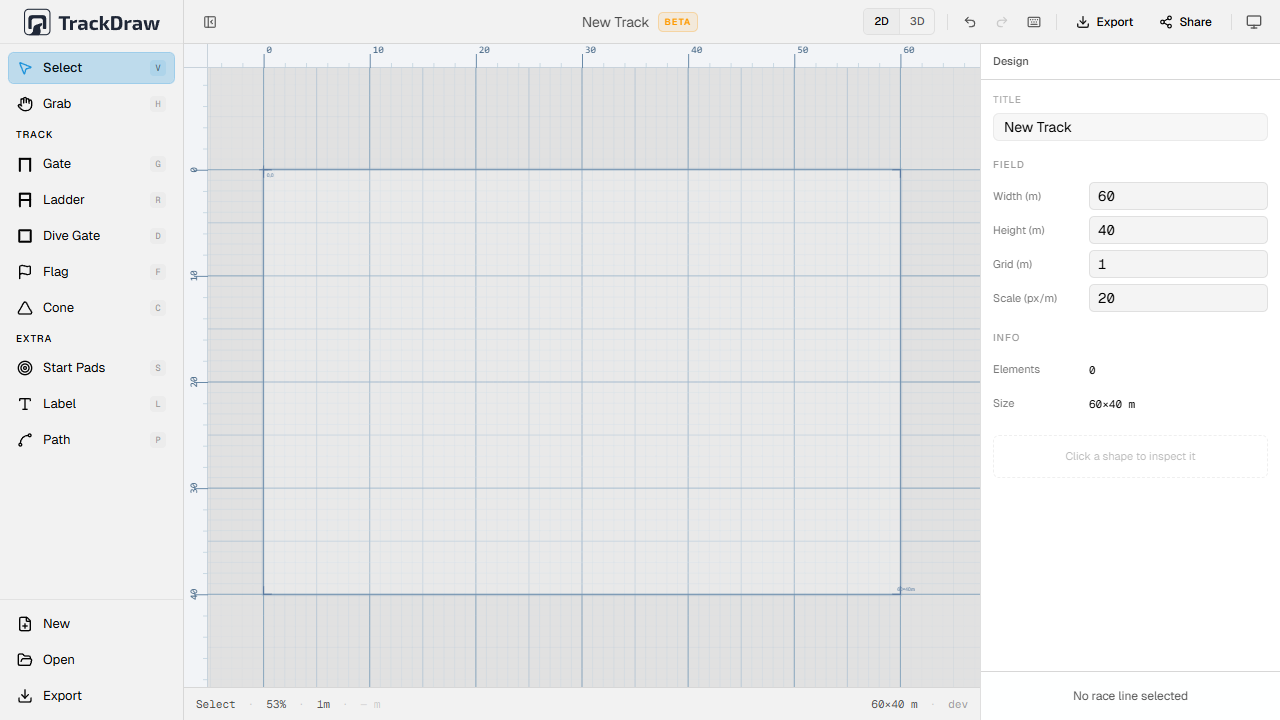
True-to-scale canvas
Set field dimensions, drop elements and snap to a real-scale grid. What you design is what the crew builds.
Built-in obstacle set
Design with the elements race crews actually use: gates, flags, cones, start pads, ladders, dive gates, labels and race lines.
Elevation-aware planning
Add height to the race line while you plan so vertical problems show up before anyone starts setting the course.
Shared review links
Send one current plan to pilots, judges and crew without asking anyone to install or log in first.
Venue-ready mobile use
Handle practical touch edits on phones and tablets when the real venue forces a quick change.
Portable deliverables
Turn the design into briefing files, print assets and reusable project data without rebuilding it elsewhere.
In depth
From first layout to team hand-off.
The tool works best as a sequence: map the course in 2D, check it in 3D, make practical edits when reality changes, then hand the same plan to pilots and crew.
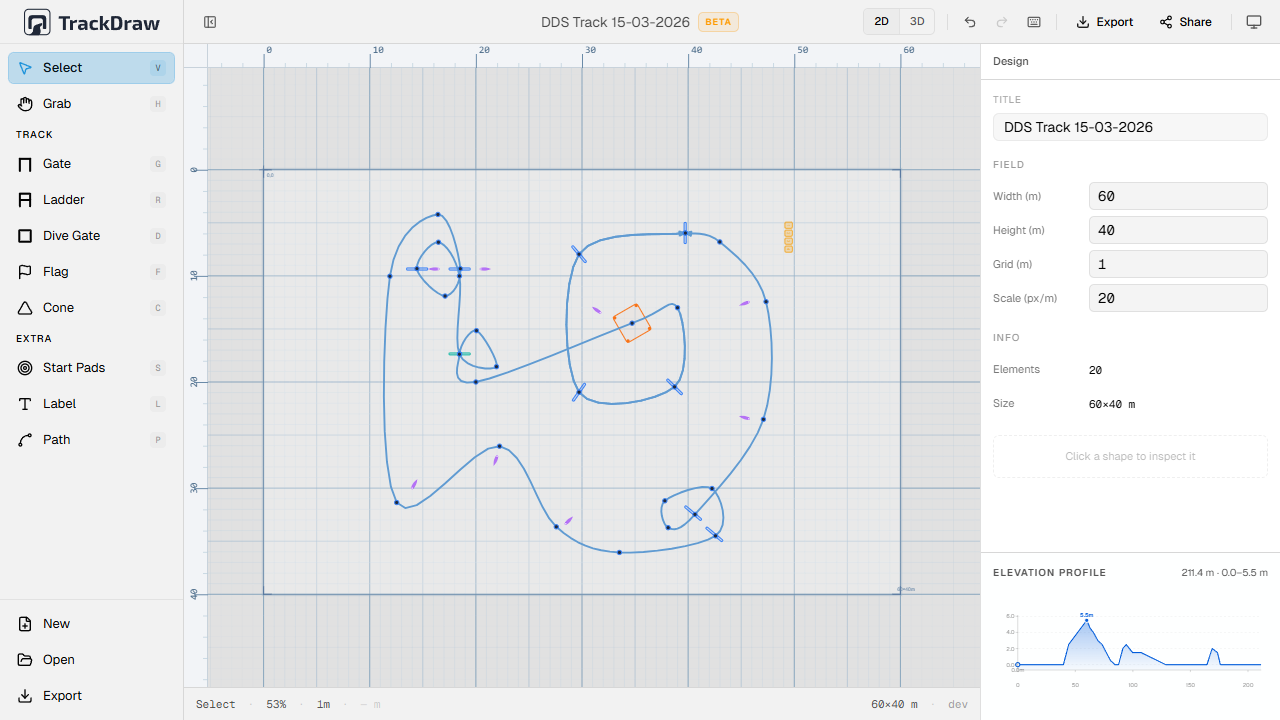
Build the course on a field that matches reality.
Start with the field dimensions, then place the elements crews already recognize. That makes the first version of the plan useful immediately, instead of just being a rough sketch.
- Scale-accurate field dimensions
- Gates, flags, cones, start pads and larger features
- Race line and labels for briefing clarity
Keep editing when the venue forces a change.
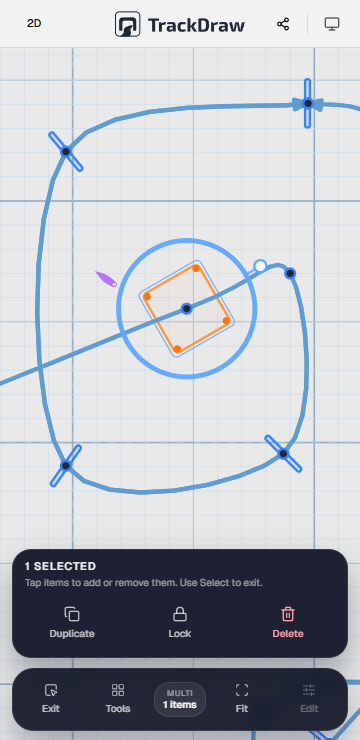
A good plan changes cleanly. Inspector controls and mobile-friendly editing make it possible to adjust object properties, reposition items and keep the design usable even when the real venue refuses to stay static.
- Inspector controls for dimensions, rotation and color
- Touch-friendly editing on phones and tablets
- Fast adjustments without leaving the main plan
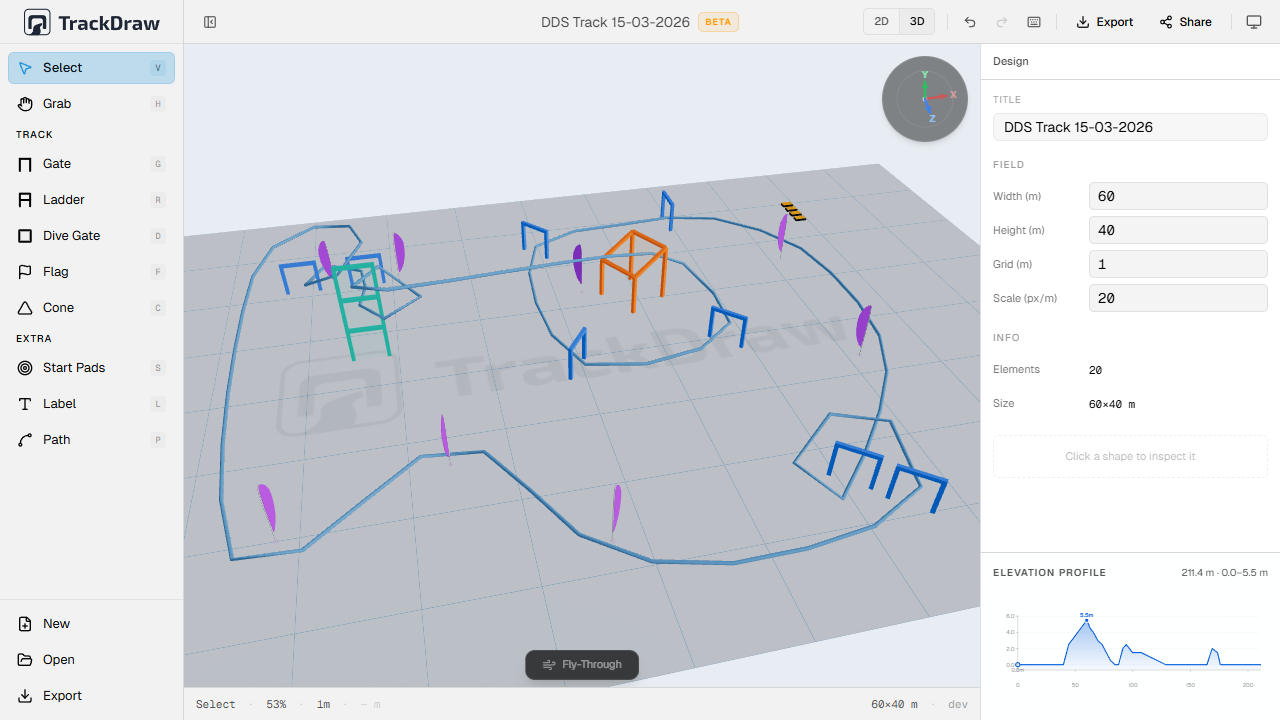
Walk the course before you build it.
One click switches from the flat 2D plan to a live 3D scene. Assign elevation to each waypoint on the race line to model the full vertical profile. Catch dangerous approaches before a single peg is in the ground.
- Live 3D rendered directly from your 2D design
- Per-waypoint altitude on the race line
- Elevation graph in the inspector panel
Give pilots and crew the same current version.
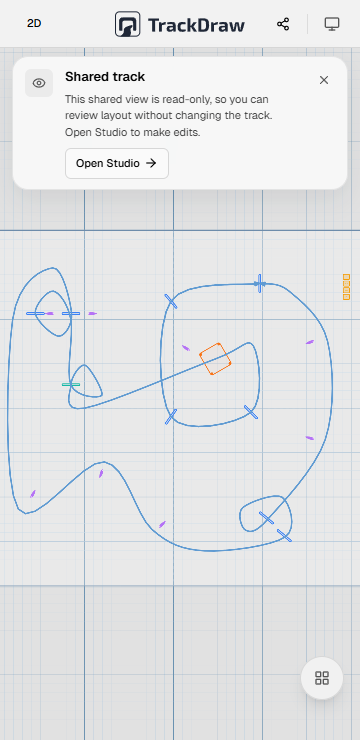
A plan only matters if other people can open it. Shared read-only links and exports turn the layout into something pilots can review, crew can print and organizers can reuse later.
- Read-only links that open on any device
- PDF, PNG and SVG for briefing and print workflows
- JSON export to archive and reuse layouts later
FAQ
Common questions.
Not at all. Whether it's a club weekend, a training day or a championship round, if you want pilots and crew on the same plan, TrackDraw fits.